Simple Pasture Rotation
No electric fence, no mapping — just names
Got a few pastures you rotate the animals through — north forty this month, creek pasture next? You can track that with zero drawing, zero GPS, zero maps. Just name your pastures once, then tap two buttons on move day. That's the whole system.
One-time setup (about 2 minutes)
- 1Open Animal Groups from the home screen and add your animals — tap a species, type how many, tap Add. ("25 sheep" is plenty; no names needed.)
- 2Open Paddocks from the home screen and tap 📍 Fixed Paddocks at the top.
- 3Tap + Pasture and name your place ("Home Place").
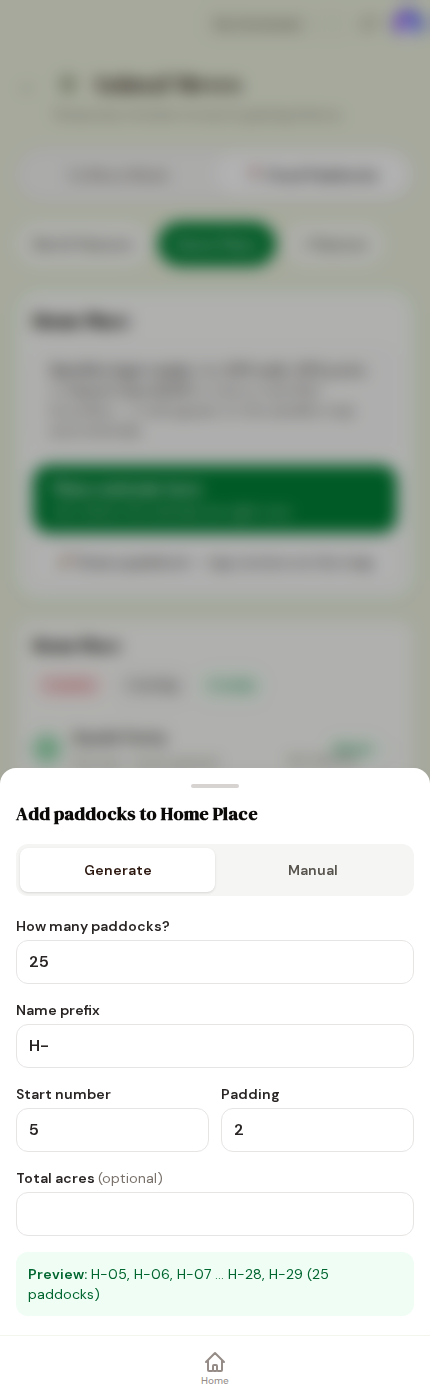
- 4Tap + Add named grazing areas and type your pasture names — North Forty, South Forty, Creek Pasture, Hill Pasture. That's it. No map needed.
Move day (about 30 seconds)
- 1Open Paddocks. Your pastures are listed with how long each has rested.
- 2Find the pasture the animals are going TO and tap Move in.
- 3Tap your animal group, check the date, tap Record move →. Done.

What you get for those 30 seconds
The app remembers every move: how long each pasture rested, when the animals went in and out, and a full grazing history over time. The rest bars fill up as pastures recover — when a bar says ✓ Ready, that pasture has had its rest. You'll never have to remember "when were the cows in the creek pasture?" again.
Want more later? You can add maps, GPS boundaries, or daily strips any time — the guides below show how. But nothing more than this is ever required.