Strip Grazing
Daily strips, one-minute moves, recovery at a glance
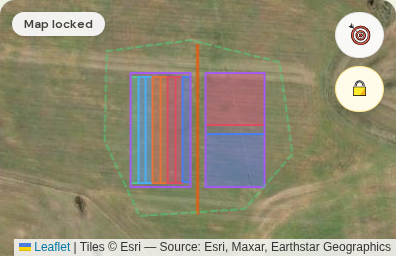
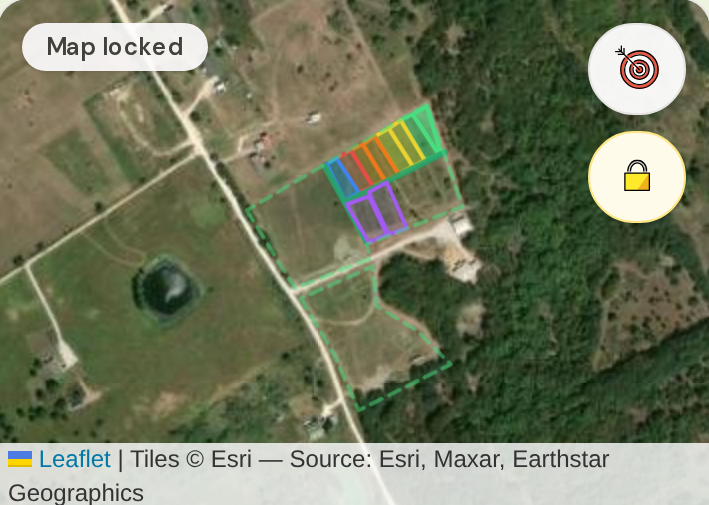
Strip grazing with polywire: every day (or few days) the animals get a fresh strip along your cross fence, and the map colors every past strip by how long it's rested. A few weeks in, your map looks like this:
Before you start: add your animals in Animal Groups (just a headcount) and map your pasture boundary — see Set up your pasture. Then open Paddocks and make sure the toggle says 🐑 Move Mode.
Recording a strip
- 1In the Record Move In form, name the strip if you like ("Strip 8") and tap your animal group.
- 2Set planned days — this drives your "time to move" reminder.
- 3Under Mark strip boundary, pick 🖊️ Draw on Map and tap the strip's four corners on the satellite (or 📍 GPS Walk and drop points at each corner as you set the wire). Acres calculate automatically.
- 4Tap Record Move In.

The daily move — under a minute
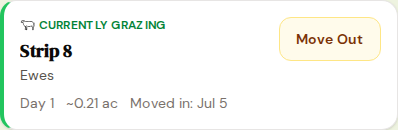
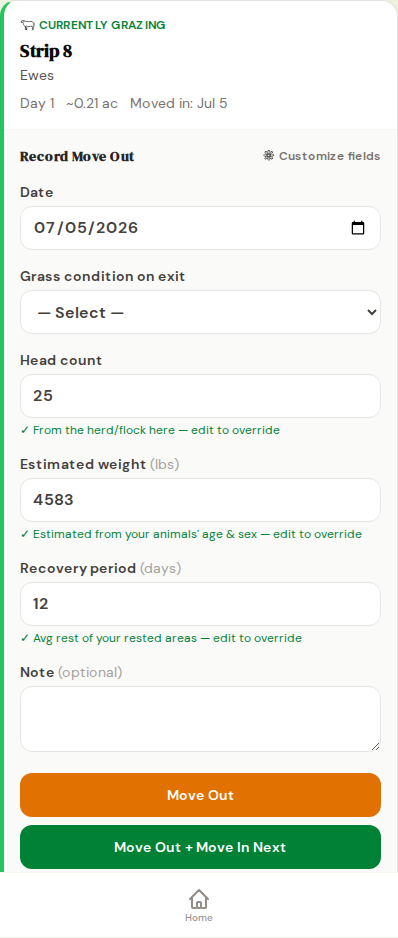
- 1Tap Move Out on the Currently Grazing card. Note the exit grass condition; head count and weight are pre-filled.
- 2Tap Move Out + Move In Next — it opens the next strip's form with your group and date already set.
- 3Draw the next strip along the wire, tap Record Move In. Done.
Reading the recovery map
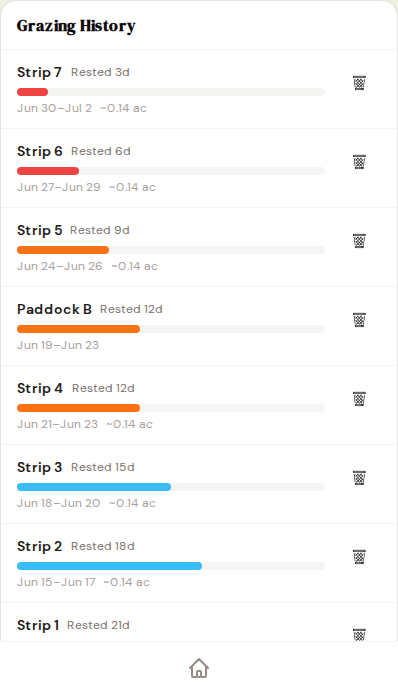
Every finished strip joins Grazing History and colors by rest time — the bands run red (fresh) through green (✓ Ready), 7/14/21/30 days by default. Change the day thresholds and colors under 🎨 Recovery colors. With a weather station connected, each strip also shows rainfall since grazing — rest plus rain is true recovery.