Track Your Animals
Counts first, names optional, then the rest builds on that
Everything below builds on the step before it — the animal picker in Medical and Milking is literally fed by the roster you build here. Start at the top even if you just want to log a vet visit.
1 · Just a headcount — Animal Groups
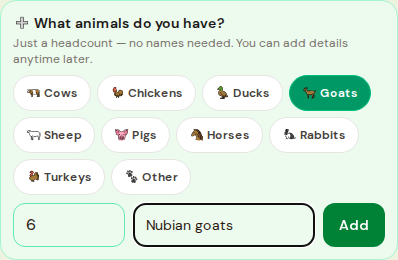
Open Animal Groups and tap a species chip, type a number, tap Add— "6 goats" takes two taps and no names. This is the zero-effort starting point every other step reads from.
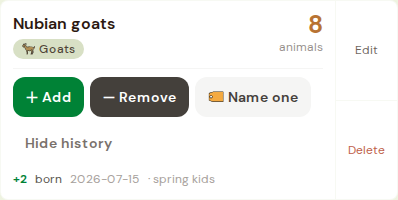
Later, use + Add / - Remove on the group card with a reason chip (born, bought, died, sold, butchered) — the count updates and the reason is saved. History shows every change.
2 · Naming an animal (roster)
Tap 🏷 Name oneon a group card to graduate a single animal into its own per-species roster — the count never goes below the number you've named. Prefer to skip headcounts entirely? Open the roster (e.g. Goat Roster) and add a named animal directly, with breed, sex, and herd.
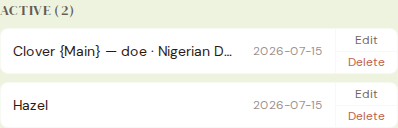
3 · Breeding events & due dates
Once an animal has a name, log a breedingevent on its species page (Goat Events, Cow Events, etc.) — the app does the gestation math for you (goats ~150 days, cows ~283 days, and so on) and treats an incubator "set" the same way for hatch dates.

4 · Medical records
Open Medical — that dropdown is fed by the roster you built in step 2, which is why the order matters.
- 1Pick Animal type, then the animal (or Or whole group for a herd-wide treatment — no name needed).
- 2Pick the Event — treatment, vaccination, dewormer, and more each reveal their own fields.
- 3Add a Cost (mirrors into Finance automatically) and a Follow-up date (joins the Calendar Sync feed).
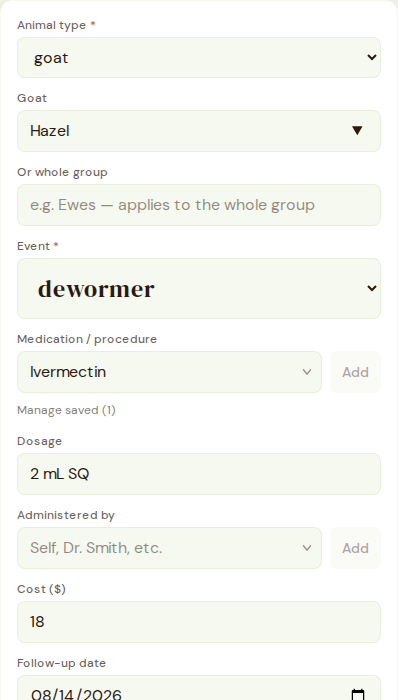
Goats, cows, pigs, sheep, horses, and rabbits also get treatment events (with withdrawal dates) logged right on their own species page — those roll into this same Medical feed automatically, so it's one place to review.
5 · Milking
Cow Milking and Goat Milkingboth pick the animal from the same roster. Log each session's volume or weight, and trends show up in Stats.

Where it all shows up
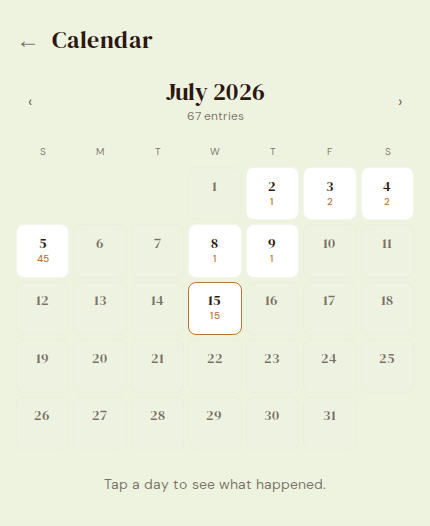
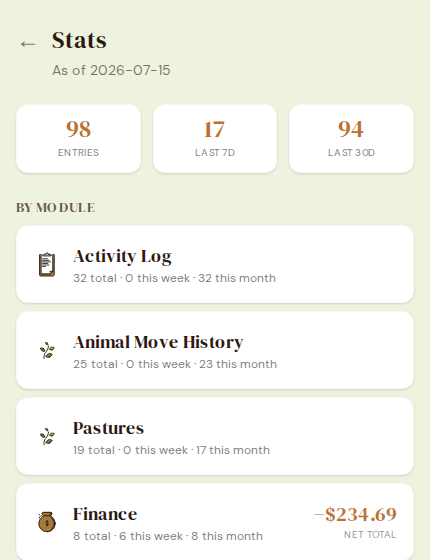
Everything you log lands on its actual date in Calendar and Daily Log; totals and trends roll up in Stats.